Base64 Padding Explained: Why Do Base64 Strings End With = or ==?
Ever wondered why Base64 strings end in equals signs? Here is how the 6-bit math works, why decoders need padding, and when you can safely strip it.
When you copy a Base64-encoded string, you will often spot one or two equals signs (= or ==) pinned to the very end.
The quick answer is: Base64 converts 8-bit bytes into 6-bit characters. If your input data does not divide cleanly into 3-byte groups, padding characters (=) are added to make the output a clean multiple of 4 characters.
You can encode and decode text or binary data directly in your browser with our Base64 encoder decoder.
Here is the exact math behind the padding and how to handle it in web APIs.
The 24-bit alignment rule
Computer storage works in 8-bit bytes. Base64 works in 6-bit groups (because $2^6 = 64$ unique alphanumeric characters).
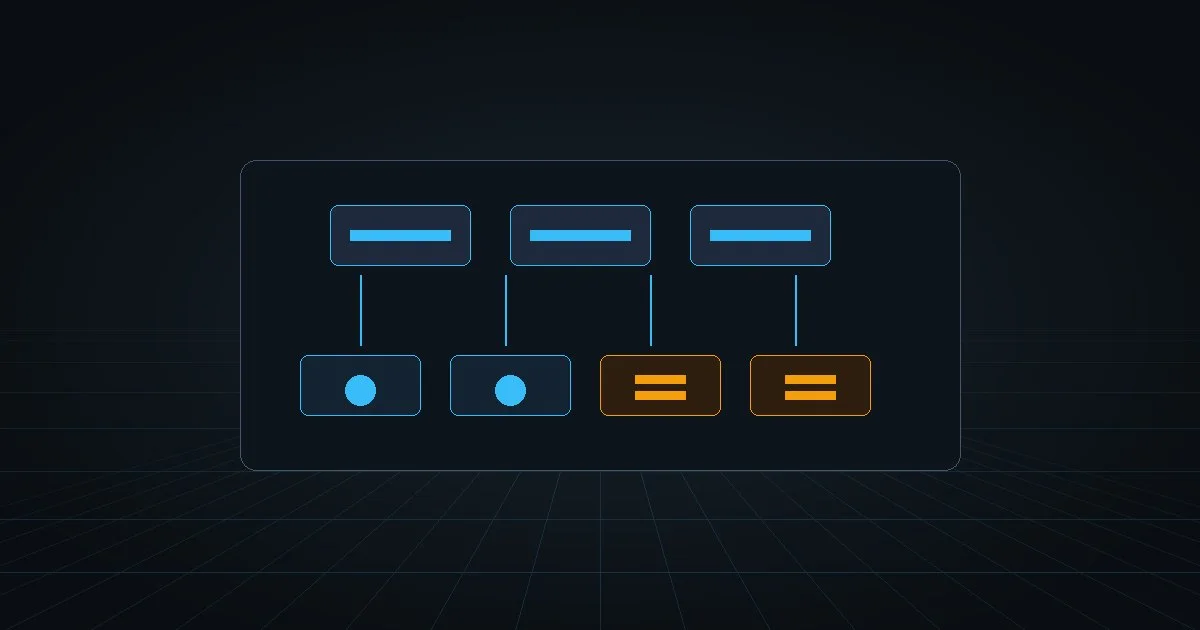
To make these two systems align cleanly, Base64 finds the least common multiple of 8 and 6, which is 24 bits: - Input: 3 bytes × 8 bits = 24 bits - Output: 4 characters × 6 bits = 24 bits
Every complete 3-byte input chunk turns into exactly 4 Base64 characters without any leftover bits.
Input (3 bytes):    [ Byte 1 ]  [ Byte 2 ]  [ Byte 3 ]  (24 bits total)
                    \______/\______/\______/\______/
Output (4 chars):   [Char 1] [Char 2] [Char 3] [Char 4] (6 bits each)
What happens when bytes don’t divide by 3?
Your payload will not always be an exact multiple of 3 bytes. You will always have either 1 or 2 bytes left over at the end.
Case 1: Exactly 1 leftover byte (Need ==)
Suppose your payload ends with just 1 byte (8 bits). Base64 takes the first 6 bits to produce the first character. That leaves 2 bits. It pads those 2 bits with four zeros to make a second 6-bit character.
Now you have 2 Base64 characters representing real data, but the 4-character slot is incomplete. Base64 fills the remaining two character spots with two equals signs: ==.
Case 2: Exactly 2 leftover bytes (Need =)
Suppose your payload ends with 2 bytes (16 bits). Base64 takes the first 12 bits to produce two 6-bit characters. That leaves 4 bits. It pads those 4 bits with two zeros to make a third 6-bit character.
Now you have 3 Base64 characters. To finish the 4-character block, Base64 appends a single equals sign: =.
Case 3: Clean multiple of 3 (No padding)
If your input has 3, 6, 9, or 12 bytes, it divides cleanly. No extra characters are needed, so the string ends with standard letters or numbers and zero equals signs.
| Remaining Input Bytes | Base64 Data Characters | Padding Characters | Output Suffix |
|---|---|---|---|
| 0 bytes | 4 characters | None | ABCD |
| 1 byte | 2 characters | == (2 padding) |
AB== |
| 2 bytes | 3 characters | = (1 padding) |
ABC= |
Can you strip the padding?
In standard RFC 4648 Base64, padding is required so decoders know the exact byte length without scanning ahead.
In web environments, however, = creates problems. In URLs and HTTP query strings, = is a reserved delimiter for query parameters. If you place a Base64 string in a URL, the equals sign must be URL-encoded to %3D.
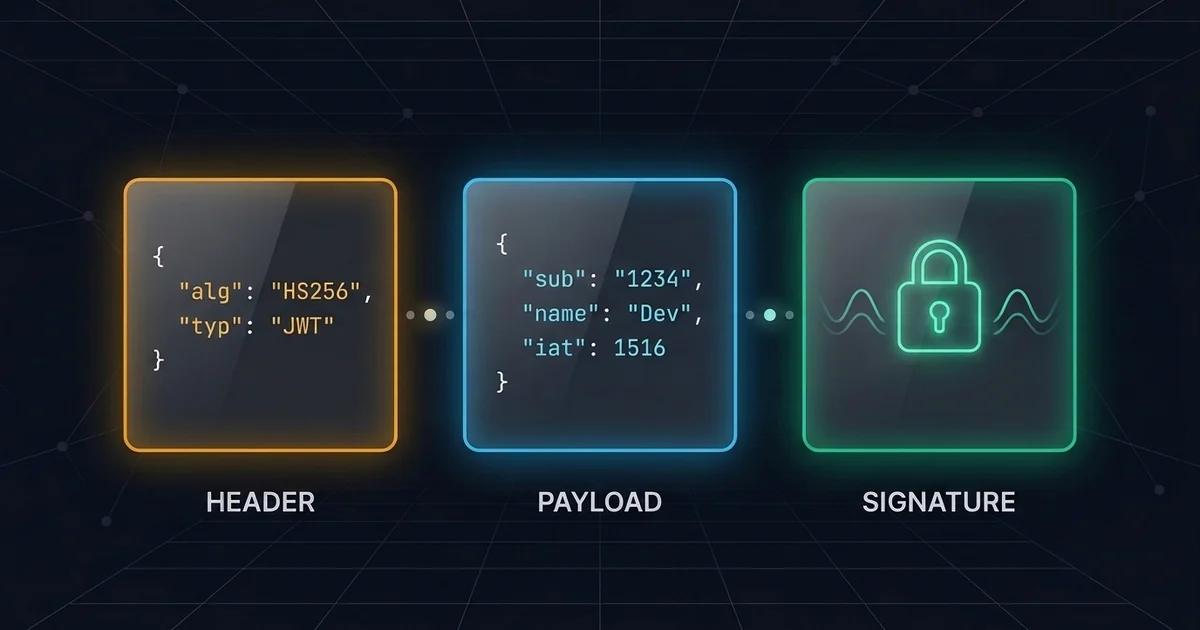
This led to Base64url (used in JSON Web Tokens). Base64url swaps + and / for - and _, and completely omits the trailing = padding.
If you work with authentication tokens, check our guide to JSON Web Tokens to see how Base64url headers and payloads work.
Decoders that follow modern standards do not need padding. They can calculate how many bytes were originally encoded based on string length:
// Restoring Base64url padding in JavaScript if your parser requires it:
function addPadding(base64String) {
  const missing = (4 - (base64String.length % 4)) % 4;
  return base64String + '='.repeat(missing);
}
Whenever you need to inspect raw strings, strip padding for web tokens, or decode binary data, test your text in the ToolQuilt Base64 encoder decoder.