Color tools
Build a palette from one color, check contrast before you ship, convert a hex code into any format and make gradients that stay vivid.
All 4 color toolsSmall tools that each do one job well, from color palettes to cron schedules. No sign up and nothing to install.
An analogous palette, spaced evenly in OKLCH.
Open the palette generator →{
"name": "Ada",
"tags": ["a", "b",]
}Not valid JSON: line 3, column 20. There is a comma after the last item. JSON does not allow a trailing comma, so remove it.
Open the JSON formatter →Every tool is free, needs no account and shows how it got its answer.
Build a palette from one color, check contrast before you ship, convert a hex code into any format and make gradients that stay vivid.
All 4 color toolsEveryday formatters, decoders, encoders and generators that work entirely in your browser, so your data never leaves your computer.
Every result explains itself, from a cron schedule in plain English to the standard a contrast ratio was measured against.
No accounts and nothing to install. The developer tools run entirely in your browser, so what you paste stays on your computer.
Every tool is free. Results live in the page address, so sharing one is as simple as copying the link.
Practical guides to the problems these tools help with.
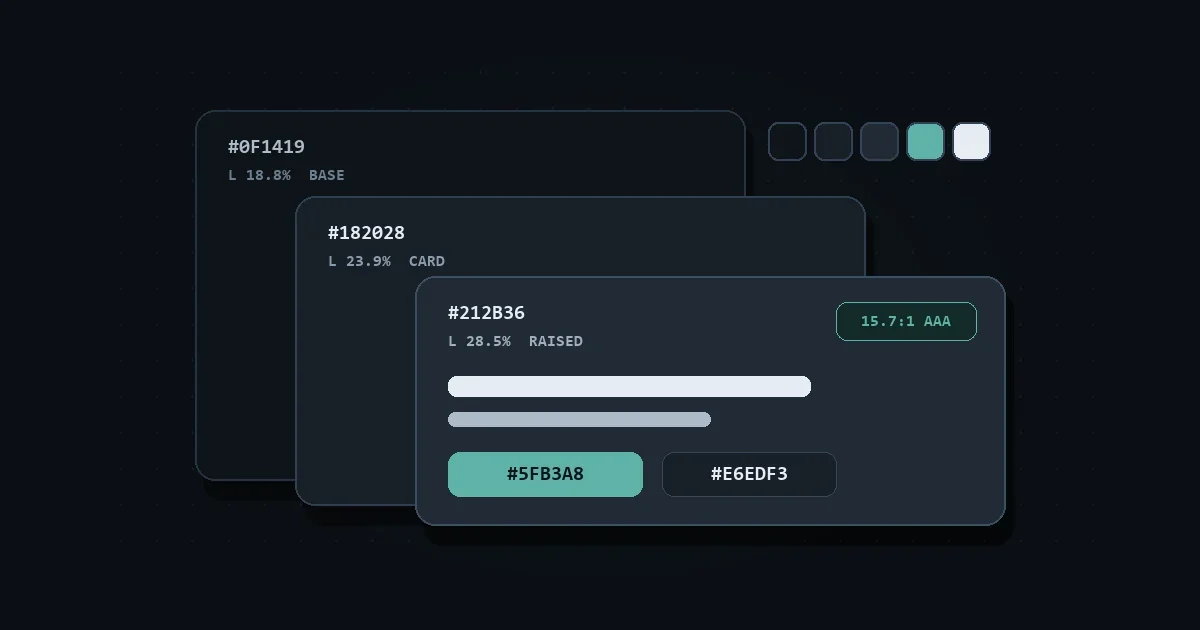
Pure black (#000000) and pure white (#FFFFFF) strain eyes in dark mode. Use these tested dark surface hex codes, contrast targets, and CSS tokens instead.
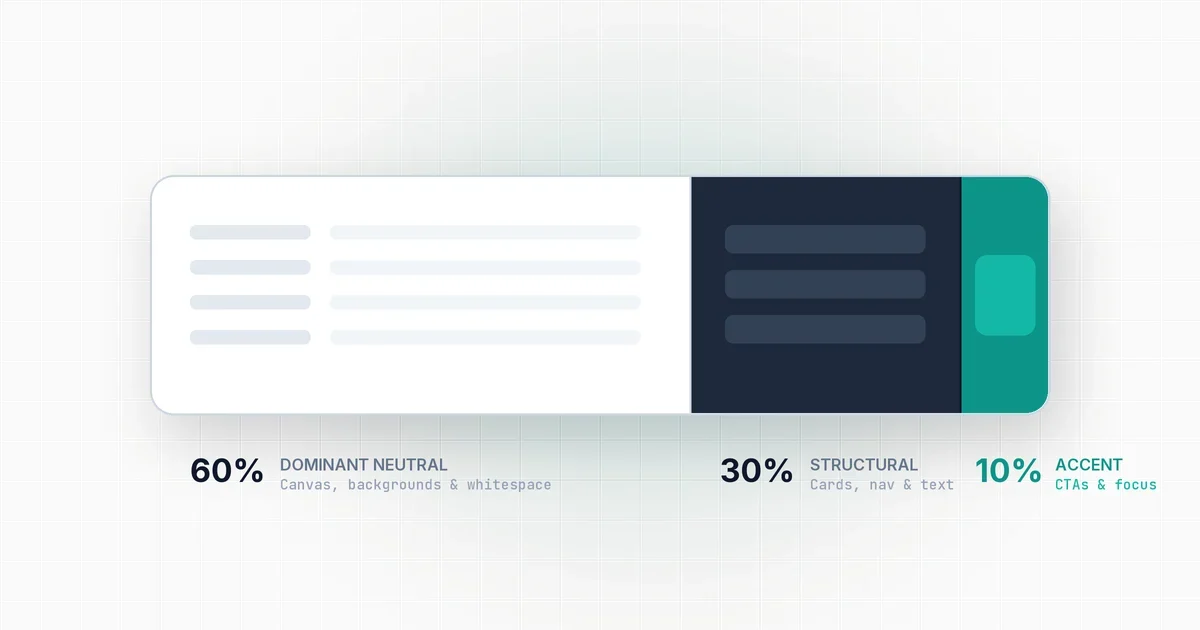
Most interfaces look chaotic because brand color covers too much screen space. Here is how to use the 60-30-10 distribution rule to create visual balance.

Linear gradients create motion along an axis, while radial gradients create depth and focus. Here is how to use both effectively in modern web UI.